

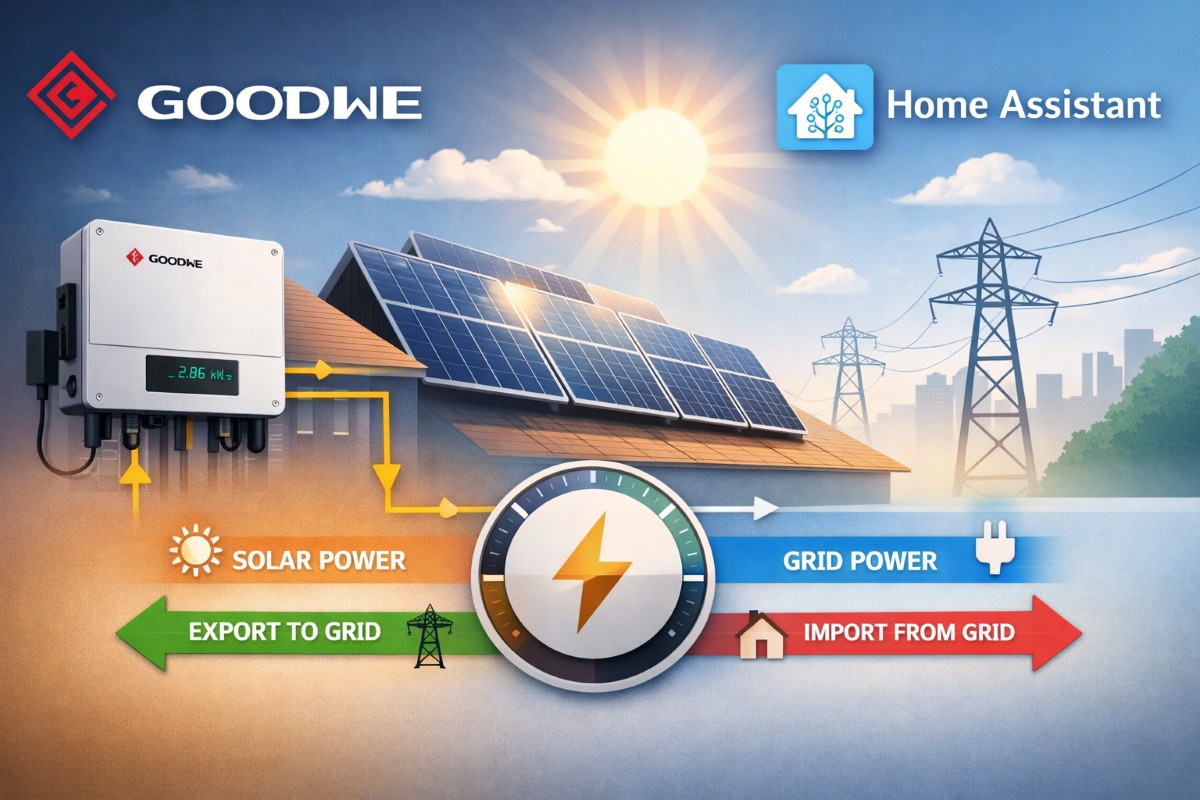
If you’re using a GoodWe on-grid inverter with Home Assistant and your Energy Dashboard is wrong, incomplete, or not showing grid export, this guide will save you hours of confusion.
I went through the same problem.
Solar production was visible.
House power was visible.
But grid import and export made no sense.
The dashboard was adding numbers incorrectly, and I couldn’t tell how much energy I was actually sending back to the grid.
Here’s exactly what my setup looked like, what was wrong, and how I fixed it.
My Setup
Hardware:
- 3 kW on-grid solar system
- GoodWe inverter
- Sonoff Smart MCB (main breaker)
- Government net meter
Wiring:
From the government meter, two wires come out (Phase and Neutral).
Those two wires are split into two branches:
Branch 1 → Sonoff Smart MCB → House distribution board
Branch 2 → GoodWe inverter
In Home Assistant, I had these sensors:
Sonoff:
sensor.main_power(Power in watts)sensor.main_energy(Energy in kWh)
GoodWe:
sensor.goodwe_on_grid_l1_power(Solar AC power in watts)sensor.goodwe_today_s_pv_generation(Solar energy today)
Everything looked fine individually.
But together, it didn’t make sense.
The Problem I Faced
At one point I saw:
Solar power = 1100 W
Sonoff power = 500 W
I assumed Sonoff was measuring grid import only.
But that created a mathematical problem.
If grid import was 500 W
And solar was producing 1100 W
Then house load would have to be 1600 W.
But I wasn’t running anything close to 1.6 kW.
That’s when I realized my assumption was wrong.
The Key Realization
My Sonoff was not measuring “grid import only”.
It was measuring total house load.
That means:
When solar is producing power, it first feeds the house.
If the house needs 500 W and solar produces 1100 W:
500 W goes to the house
600 W goes to the grid
The Sonoff shows 500 W because that’s the total house consumption.
It does not care whether that power came from solar or grid.
That completely changed how I modeled the system.
The Energy Law That Fixed Everything
There are only four variables:
- Solar Production
- House Load
- Grid Import
- Grid Export
And they always obey this:
Solar + Grid Import = House Load + Grid Export
Or more practically:
If Solar > House Load → Export
If House Load > Solar → Import
Once I understood that sensor.main_power was total house load, everything became simple math.
How I Fixed It in Home Assistant
Instead of guessing grid import/export, I calculated them.
Let:
House Load = sensor.main_power
Solar Power = sensor.goodwe_on_grid_l1_power
Then:
Grid Import Power = max(House Load − Solar, 0)
Grid Export Power = max(Solar − House Load, 0)
Here is the full working configuration.
Step 1. Create Grid Import and Export Power Sensors
template:
  - sensor:

      - name: "Grid Import Power"
        unique_id: grid_import_power
        unit_of_measurement: "W"
        device_class: power
        state_class: measurement
        state: >
          {% set load = states('sensor.main_power') | float(0) %}
          {% set solar = states('sensor.goodwe_on_grid_l1_power') | float(0) %}
          {{ max(load - solar, 0) }}

      - name: "Grid Export Power"
        unique_id: grid_export_power
        unit_of_measurement: "W"
        device_class: power
        state_class: measurement
        state: >
          {% set load = states('sensor.main_power') | float(0) %}
          {% set solar = states('sensor.goodwe_on_grid_l1_power') | float(0) %}
          {{ max(solar - load, 0) }}
Step 2. Convert Power to Energy
sensor:

  - platform: integration
    source: sensor.grid_import_power
    name: Grid Import Energy
    unique_id: grid_import_energy
    unit_prefix: k
    round: 3
    method: trapezoidal

  - platform: integration
    source: sensor.grid_export_power
    name: Grid Export Energy
    unique_id: grid_export_energy
    unit_prefix: k
    round: 3
    method: trapezoidal
Step 3. Add Required Metadata for Energy Dashboard
homeassistant:
  customize:

    sensor.grid_import_energy:
      device_class: energy
      state_class: total_increasing
      unit_of_measurement: kWh

    sensor.grid_export_energy:
      device_class: energy
      state_class: total_increasing
      unit_of_measurement: kWh
Then restart Home Assistant fully.
Energy Dashboard Configuration
Go to Settings → Energy and set:
Grid consumption → Grid Import Energy
Return to grid → Grid Export Energy
Solar production → sensor.goodwe_today_s_pv_generation
(or use lifetime total if available)

How I Verified It Was Correct
I tested three scenarios.
Night time:
Solar = 0
Grid Import = House Load
Export = 0
Sunny, low load:
Solar > House Load
Import = 0
Export = Solar − House Load
Sunny, high load:
House Load > Solar
Import = House Load − Solar
Export = 0
If all three behave correctly, your model is correct.
Important Note About Statistics Errors
If you see:
“Statistics not defined”
It usually means the energy sensor has not increased yet.
For example, if export has not happened since restart, Home Assistant will not create statistics.
Once export occurs, the warning disappears automatically.
When This Method Will NOT Work
If your smart breaker measures only grid import and does not see solar feeding the house, this method will not work.
In that case, you need:
- A bidirectional smart meter
- Or a CT clamp at the main incoming line
- Or GoodWe’s official meter
Without measuring at the grid junction, export cannot be calculated.
Energy must be measured at the point where all flows meet.
Final Result
After implementing this:
My Energy Dashboard finally shows:
- Accurate grid consumption
- Accurate return to grid
- Accurate solar production
- Accurate house consumption
No double counting.
No guessing.
No confusing numbers.
The real fix was not adding hardware.
It was understanding what each sensor actually represented.
Once I stopped assuming and applied basic energy balance logic, everything became clean and accurate.
If you’re struggling with GoodWe export not showing in Home Assistant, this model will likely fix it for you too.
